 Hours Left
Work hours, counted down to what’s due.
Hours Left tells you how many work hours you still need to cover your expenses and quests. Clock in, and it tracks the shift in net and gross pay — on your phone and on a Pixel Watch.
Android 7.0+ · Pixel Watch companion · Updates itself
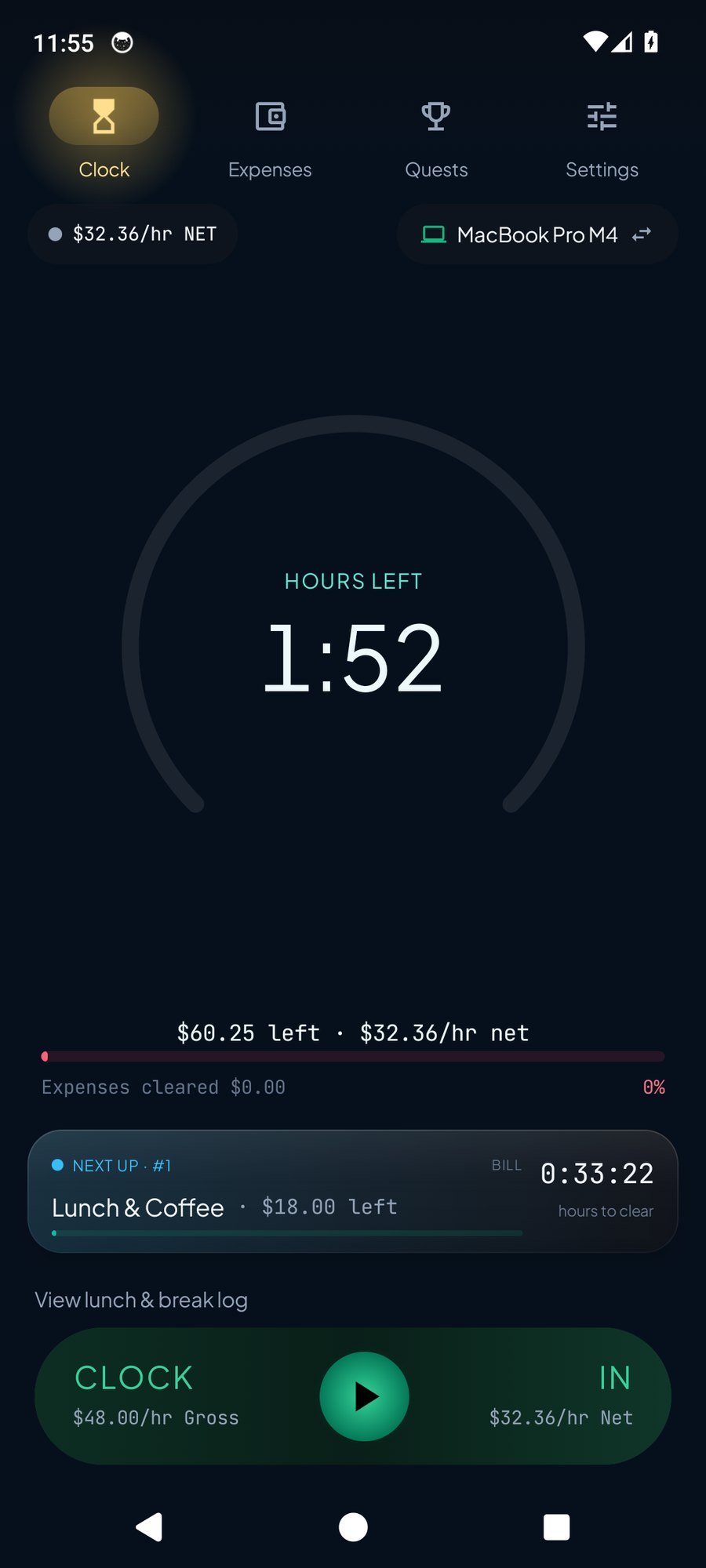
How many hours until it’s covered.
Expenses and quests become a live count of work still ahead. Clock in, and the total moves as you earn.
Hours left
See how many work hours you still need to cover what’s unpaid, then what’s next on your quests.
Shifts and schedules
Clock in and out as you go, or set a manual schedule by weekday, to the minute, including overnight and one-off shifts.
Net and gross
Each shift records both. The clock can show your net rate, so hours left is based on take-home pay.
Lunch and paid breaks
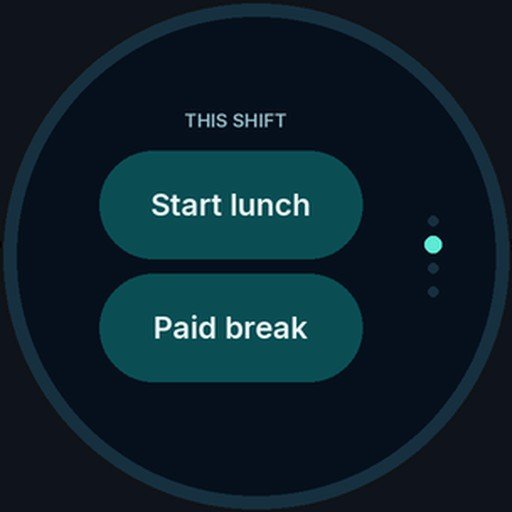
Log a lunch or a paid break from the clock. If you clock out and back in under an hour, Hours Left can treat that gap as lunch. You can edit the log.
Categories and quests
Switch a category or quest off and it stays saved, but it is left out of hours left and new pay until you turn it back on.
It updates itself
The phone and watch apps check a public feed and offer an update when one is ready. You confirm the install.
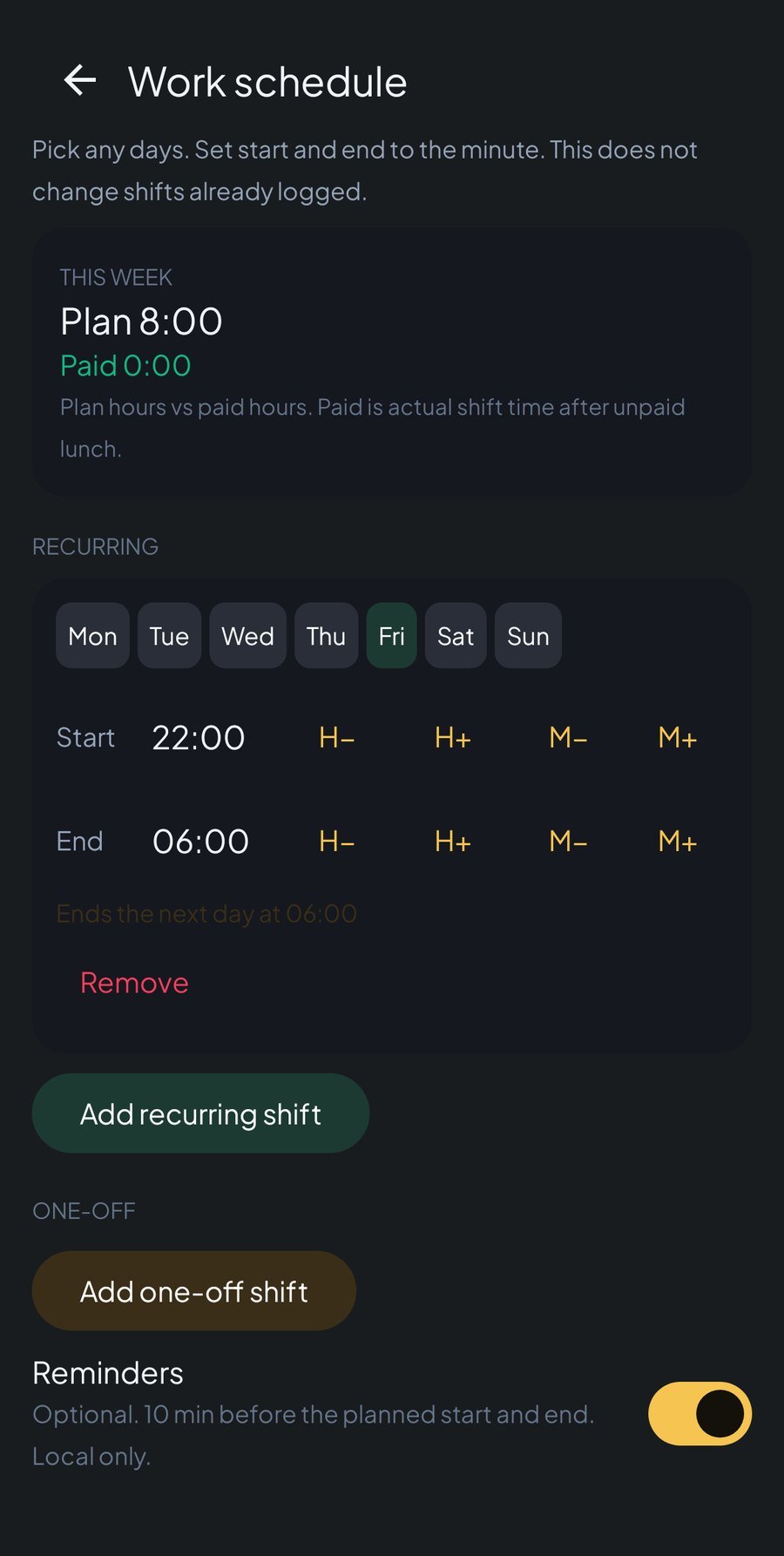
Any days. Any minutes. Overnight if you need it.
Set a recurring shift with weekday chips and start and end times to the minute. Overnight shifts are allowed. One-off shifts sit beside the weekly plan. Already logged work is left as it is.
- Flexible hours. You are not limited to a fixed start or a nine-to-five block.
- Lunch detection. A clock-out and clock-in less than an hour apart can be filed as lunch, and you can undo or edit it.
- Paid break log. Paid breaks and lunches are kept on the shift so the hours stay honest.
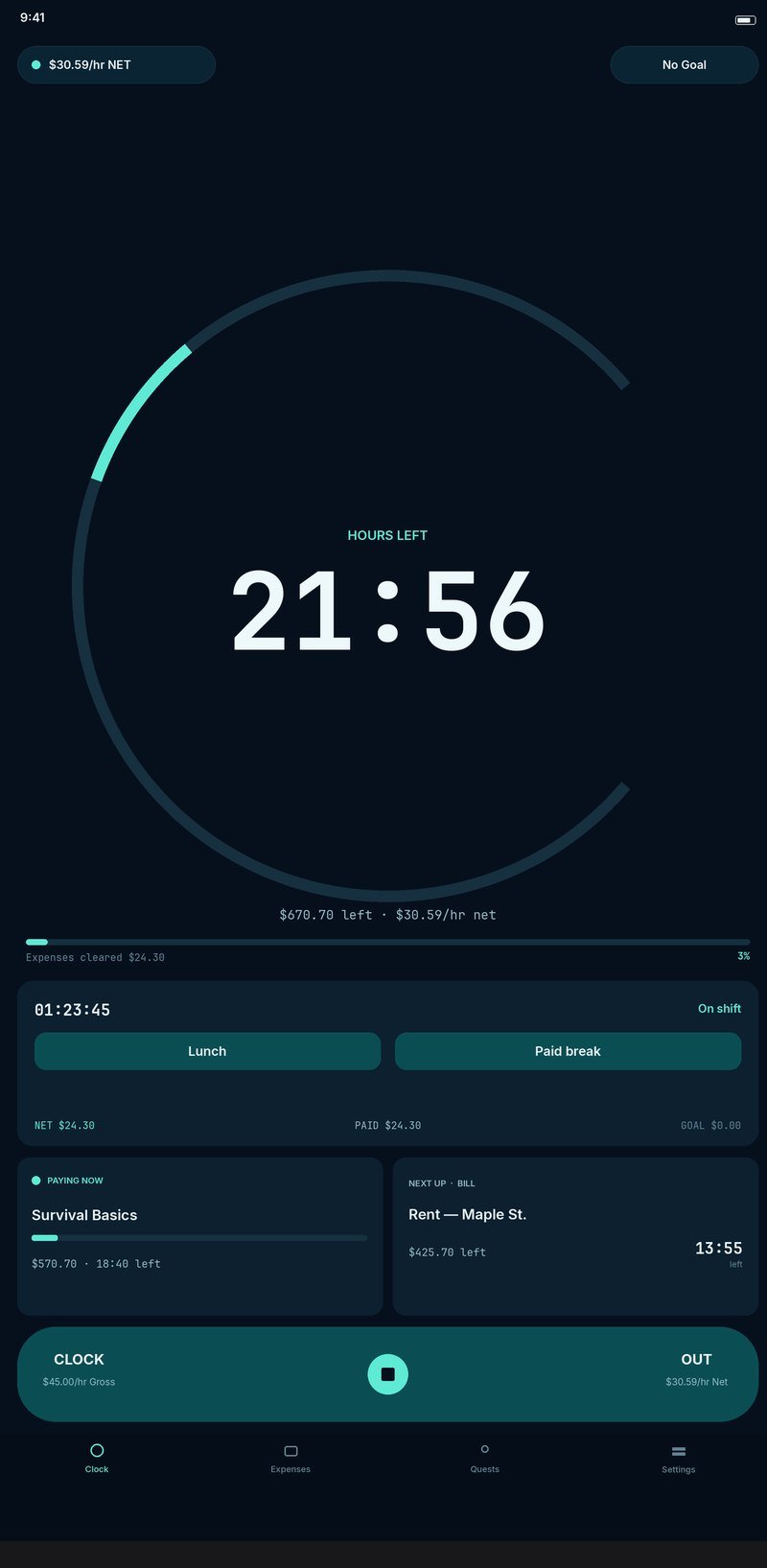
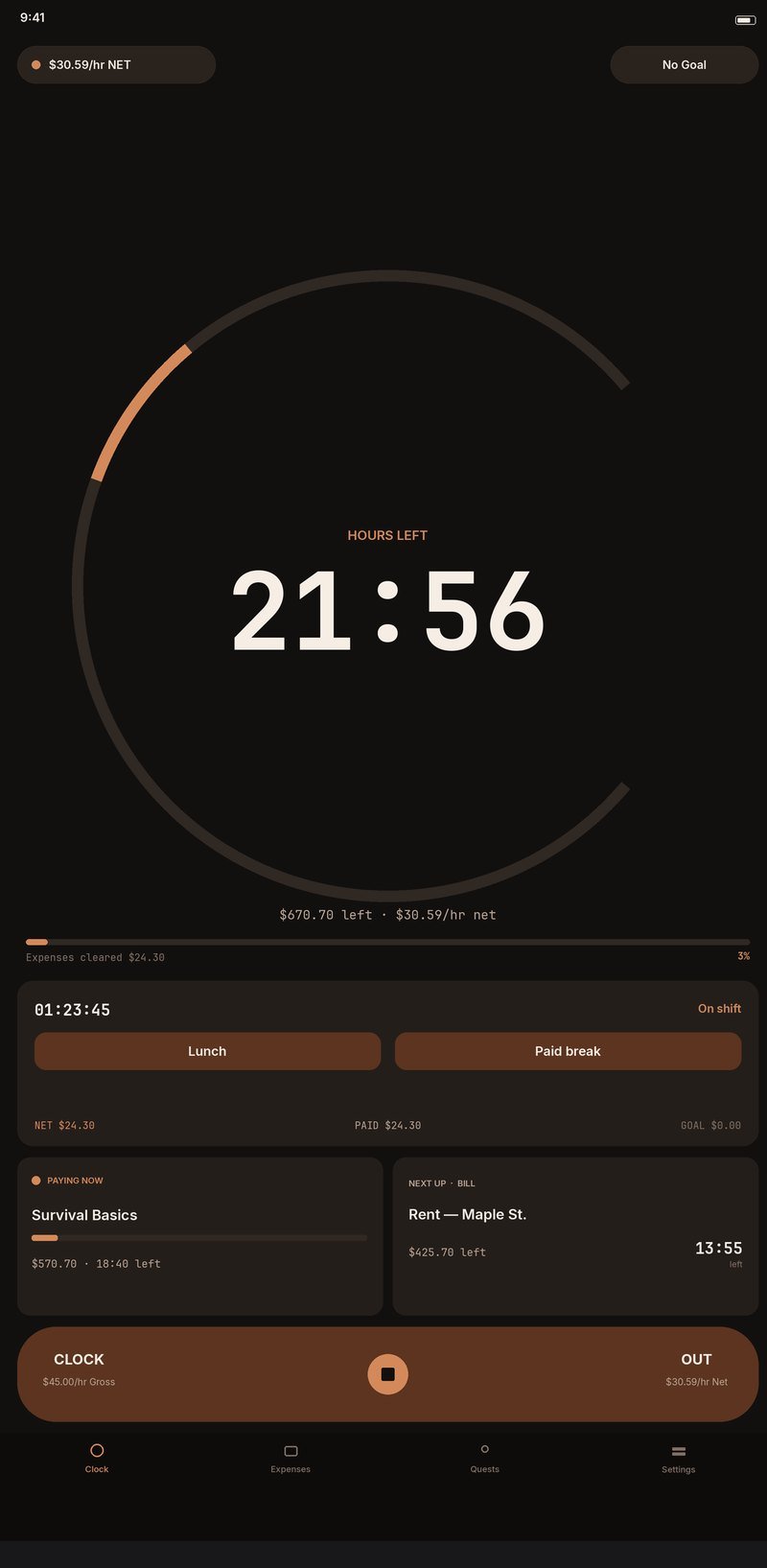
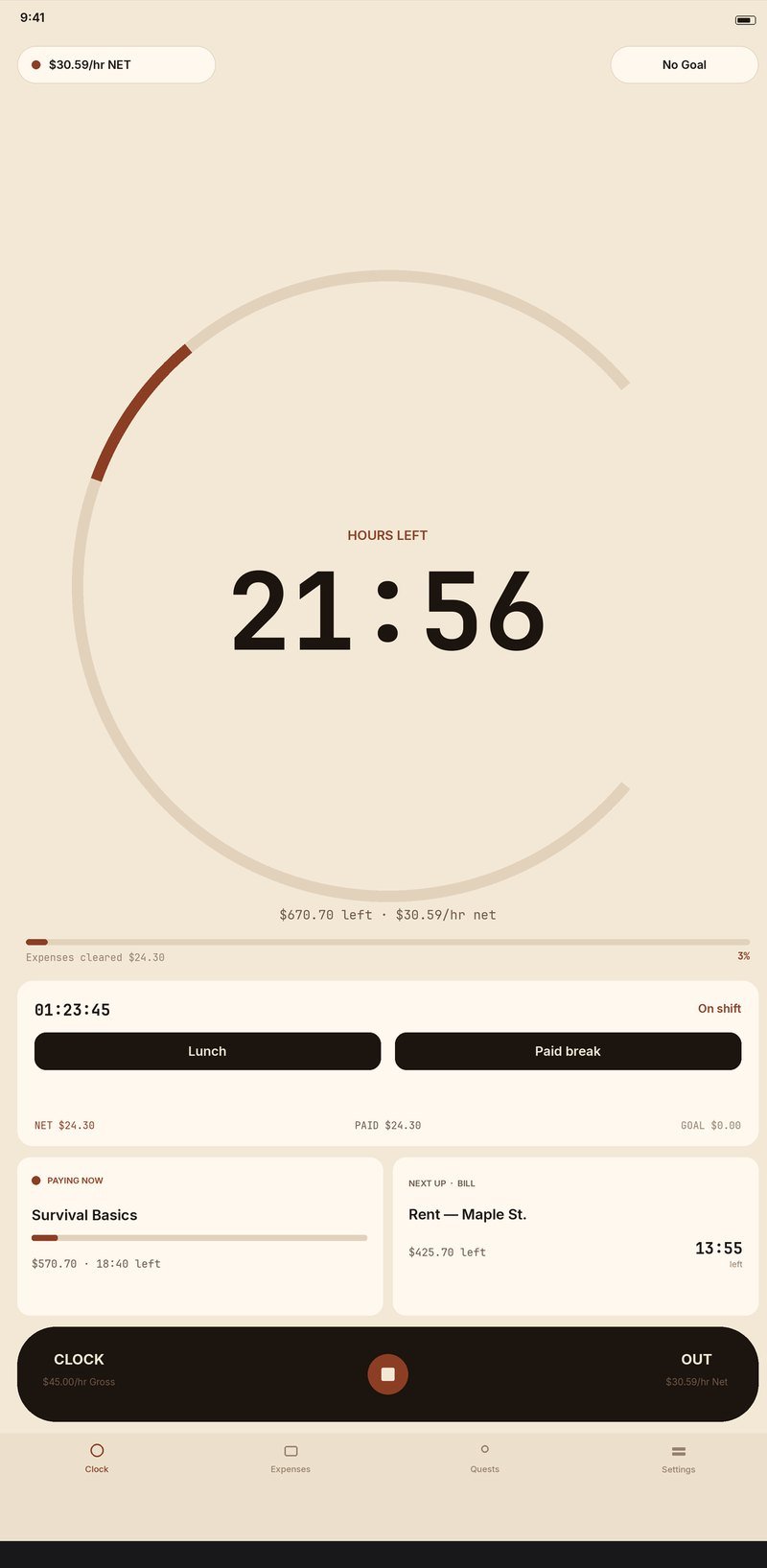
Four looks. Same hours left.
Current is the default. Harbor, Emberline and Folio are there when you want a different mood. Your choice is saved.
Up and down, not sideways.
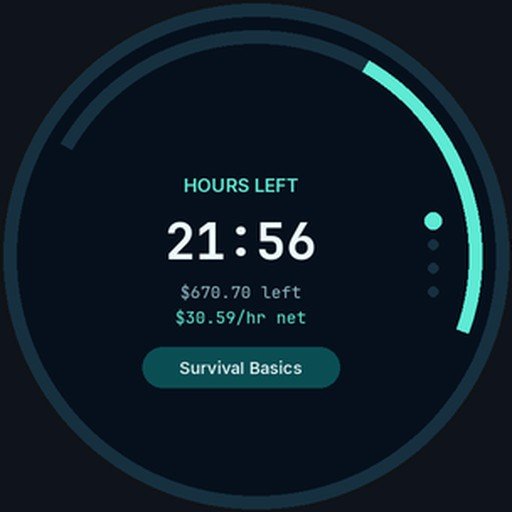
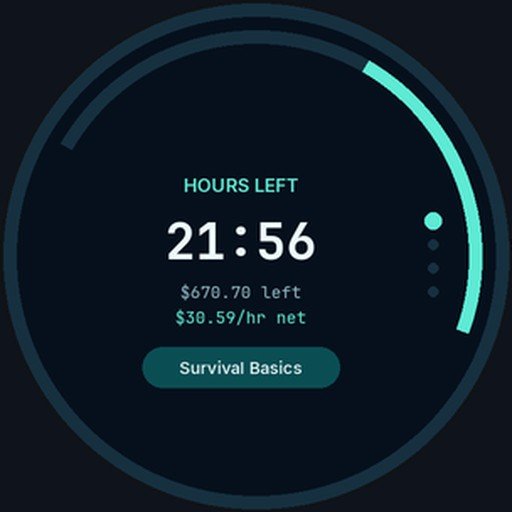
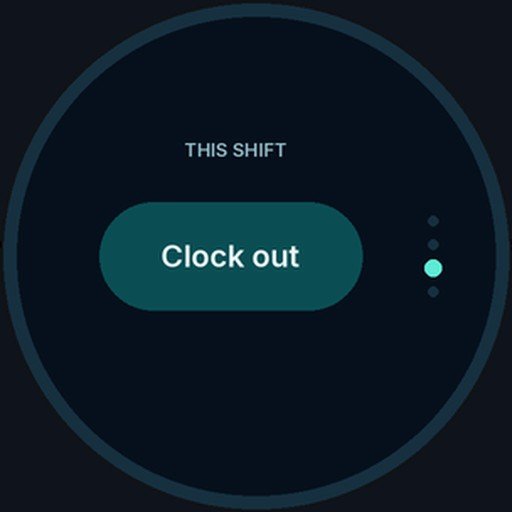
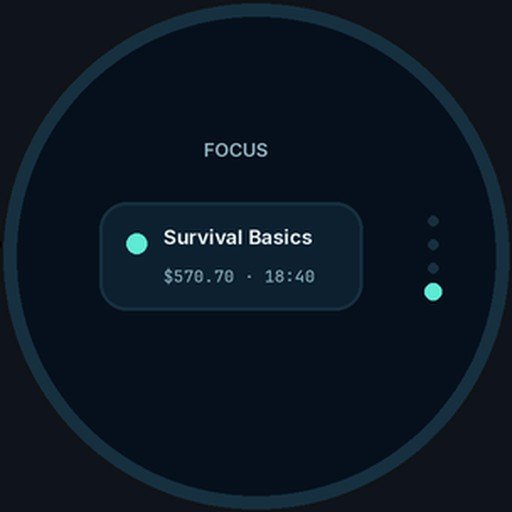
The companion watch app uses fixed pages. Swipe up or down to move between them. A swipe from the side still closes the app, the way Wear OS already works. Tap the hours to switch to dollars, and tap again to switch back.
Your hours stay on the device.
Pay, expenses, quests and shifts are stored on your phone. The watch reads what it needs from the phone, on your own devices. The only routine network use is checking for app updates. You can also export a backup file yourself.
Google sign-in and cloud backup are not offered in the current release. There is a full privacy page if you want the details.
Get Hours Left.
Install the phone app first, then the watch app on your Pixel Watch. Both update themselves from a public feed when a newer build is ready.
Phone
Android 7.0 and later. Package com.rjemmons.hoursleft.
SHA-256 745b189ab03b26f8ad04e42e8c9c9cd8eb0e15de4a19688aa58c9d64d07b83bc
Watch
Wear OS companion for Pixel Watch, same package as the phone app.
Download watch app 1.0.14-wearSHA-256 be47de7387967007b1ff7ae79757b7c3012a130bda3120be2ce43b6a68bc8cba
A few short answers.
How do I install it?
Download the phone APK below and install it on your Android phone. Then download the watch APK and install it on your Pixel Watch. Your phone may ask you to allow installs from the browser.
How do updates work?
The phone and watch apps check a public feed at enkrateia.functionb.com and offer an update when a newer version is listed. The download is confirmed before Android installs it. You can also come back here for the latest files.
Where is my data kept?
On the phone, in the app’s private storage. The watch companion reads status from the phone over Android’s Wearable Data Layer. See the privacy page for what does and doesn’t leave the device.